
Dealers
| Demo | Company
Info | Clients | Price
List | Support | Contact
| Home

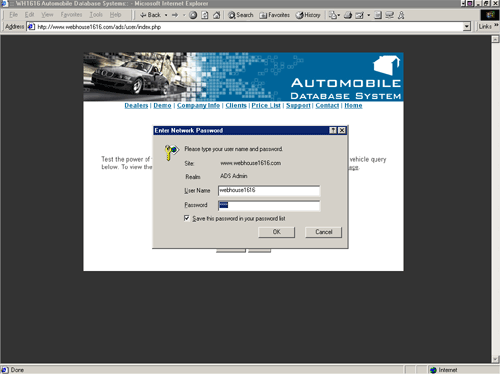
LOGIN
TO THE ADMINISTRATION PAGE
Administrative functionality is password protected.
In order to add, modify, or delete
inventory for your dealership, you must have the username and password.
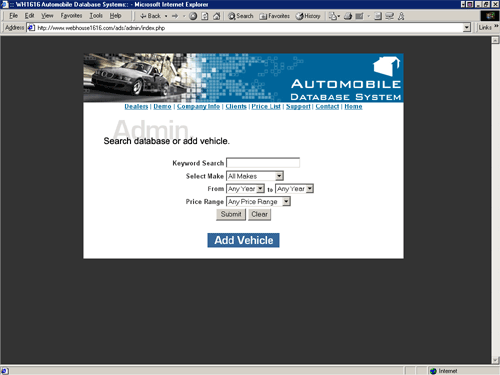
SEARCH
YOUR DEALERSHIP INVENTORY
Next, you can set the parameters of your search
and search your dealership's inventory,
or
you may choose to add a new vehicle.
ADD
NEW VEHICLE
Instantly add a new vehicle to be viewed online.
It is as easy as filling in the text boxes and pressing submit.
Your selected vehicle is now immediately viewable online.
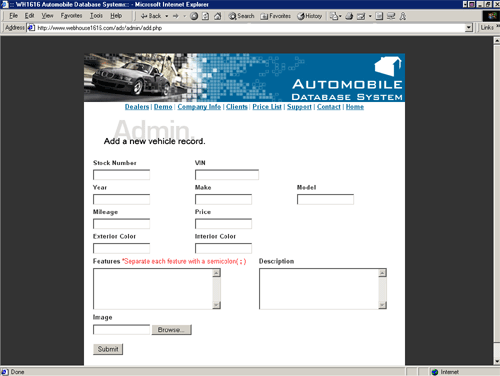
Click
on the image above to view a larger screenshot of the add vehicle function.
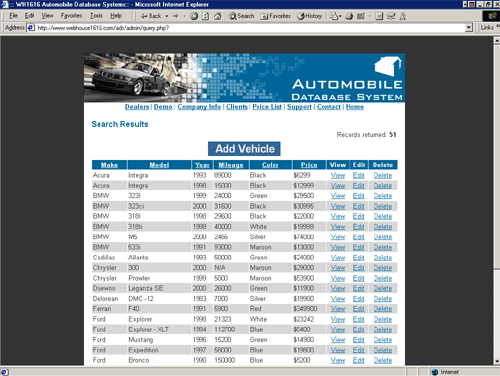
VIEW
YOUR DEALERSHIP INVENTORY
View your dealership inventory and choose to view individual
vehicle records, edit a vehicle record, or delete a vehicle from your
inventory. Changes made are updated immediately.
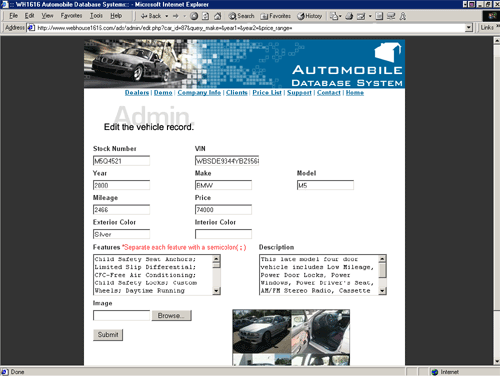
EDIT
A VEHICLE RECORD
Make changes to a vehicle record that will
update the record immediately.
DELETE
A VEHICLE FROM INVENTORY
Instantaneously delete a vehicle from your vehicle
inventory with a push of a button.

Get your dealership's inventory online today! For more information about ADS click here to contact us.